
Cloud time & attendance Badge in. Timesheet ready.
Staff badge in with an NFC card or QR code. Lateness, overtime and working days are calculated from that day's shift rule. No server, no static IP, no VPN.
OR SCAN QR
- Secondsfrom badge to panel
- NFC + QRboth methods active at once
- 150,000records in terminal memory
- 1 houraverage quote reply
Problem and fix
Month end, still painful?
- Matrix built from badges
Manual timesheets
Sign-in sheets, ledgers and spreadsheets: lost time and a steady source of disputes.
- Pattern entered once
Shift plan chaos
Filling a rotating monthly plan by hand takes hours.
- Grace period per shift
Lateness disputes
Read from raw records, lateness turns into an argument.
- Plug in, done
IT overhead
Classic systems need a server, static IP, port forwarding or VPN.
- All entrances in one panel
Scattered sites
Head office, warehouse, site and store, each with its own software and report.
- Status every 30 seconds
Faults found late
A dead device is usually noticed at month end, from missing records.
Most problems come from rules, not devices.
easyPDKS has you define the rule once. From then on it applies it every day, on every badge.
 Entry confirmed · 08:32
How it works
One job on site: badge the card.
- 1
Badge.
NFC card or QR code, both active at once. The terminal confirms audibly and visually, with name and time on screen.
- 2
Send.
The record reaches the cloud panel within seconds. Each terminal carries its own secret key; a record whose identity does not match is rejected.
- 3
Calculate.
The record is compared with that day's shift rule. Holiday coefficients apply, and the monthly matrix exports to Excel in one click.
Shifts and rotation
Define it once. Let it repeat.
40 people × 31 days = 1,240 cells.
You only correct the exceptions.
- 5 on, 2 off
- 2A 2B 3 off
- Hours, breaks, grace
- Half days
- Paid leave

DAY 17 SWITCHED TO LEAVE: YOU HANDLE THE EXCEPTION
Grace period · try it
Shift starts 08:00. 08:07 late?
Within grace: not counted as late.
The answer sits in the definition, not in an argument. Grace is set in minutes per shift — move the slider to change the clock-in time and see for yourself.
See late arrival trackingNight shift
Started 23:00, ended 07:00.
Which day does it count towards?
You enter the shift as 23:00–07:00 and the system works out the rollover from the time range. Nothing is flagged by hand.
Ask about your own shift pattern Night shift · 23:00–07:00
Infrastructure
No server.No static IP.No port forwarding.No VPN.
The terminal opens the connection outbound itself; no inbound port is left open on your firewall. A power line and an ethernet socket at the mounting point are enough — a single cable if you have a PoE switch. There is no server to buy, license, back up or maintain; updates arrive centrally.
See the cloud infrastructure Monthly timesheet.xlsx · one click
Web panel
Month end. HR stays calm.
The panel opens in a desktop, tablet or phone browser; there is nothing to install. The monthly matrix exports to Excel with day, working-day and hour totals.
- Desktop
- Tablet
- Phone
Head office and site managers work from the same screens.
Live tracking and alerts
Terminal offline. You knew first.
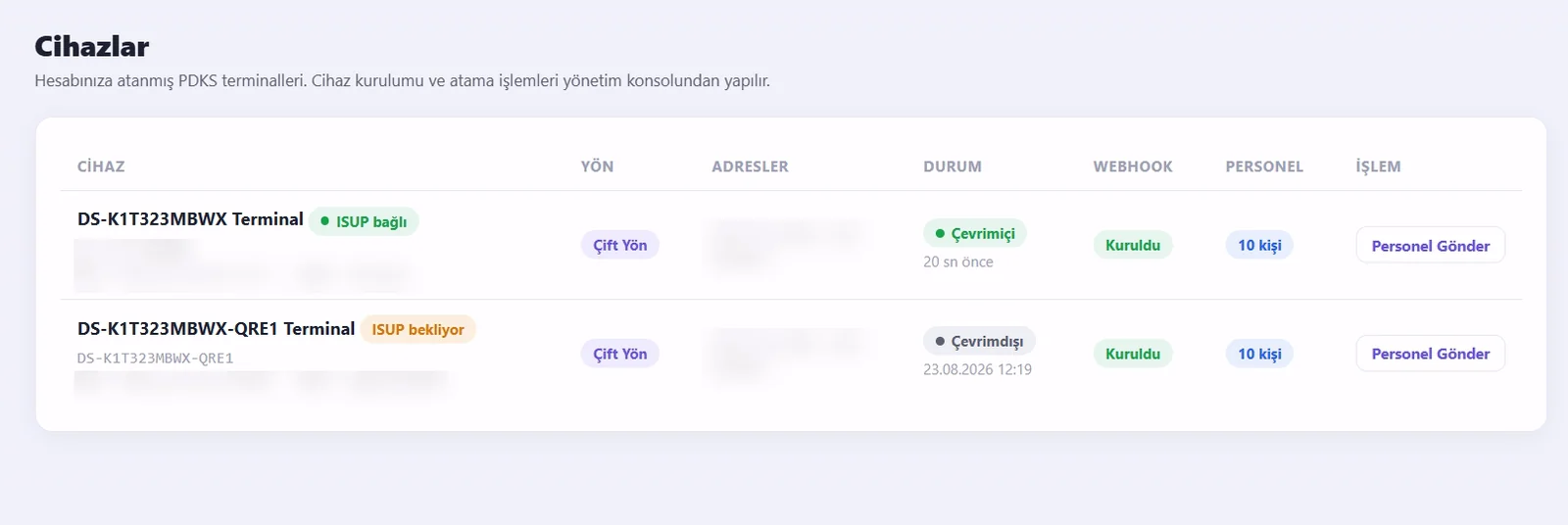
The terminal reports its status every 30 seconds. Lateness, unknown badges, absence, a device going offline and the end-of-day summary — you choose which event arrives on which channel.
- Telegram
- SMS
SAMPLE DASHBOARD · DEMO DATA
See clock in / out tracking
Hardware
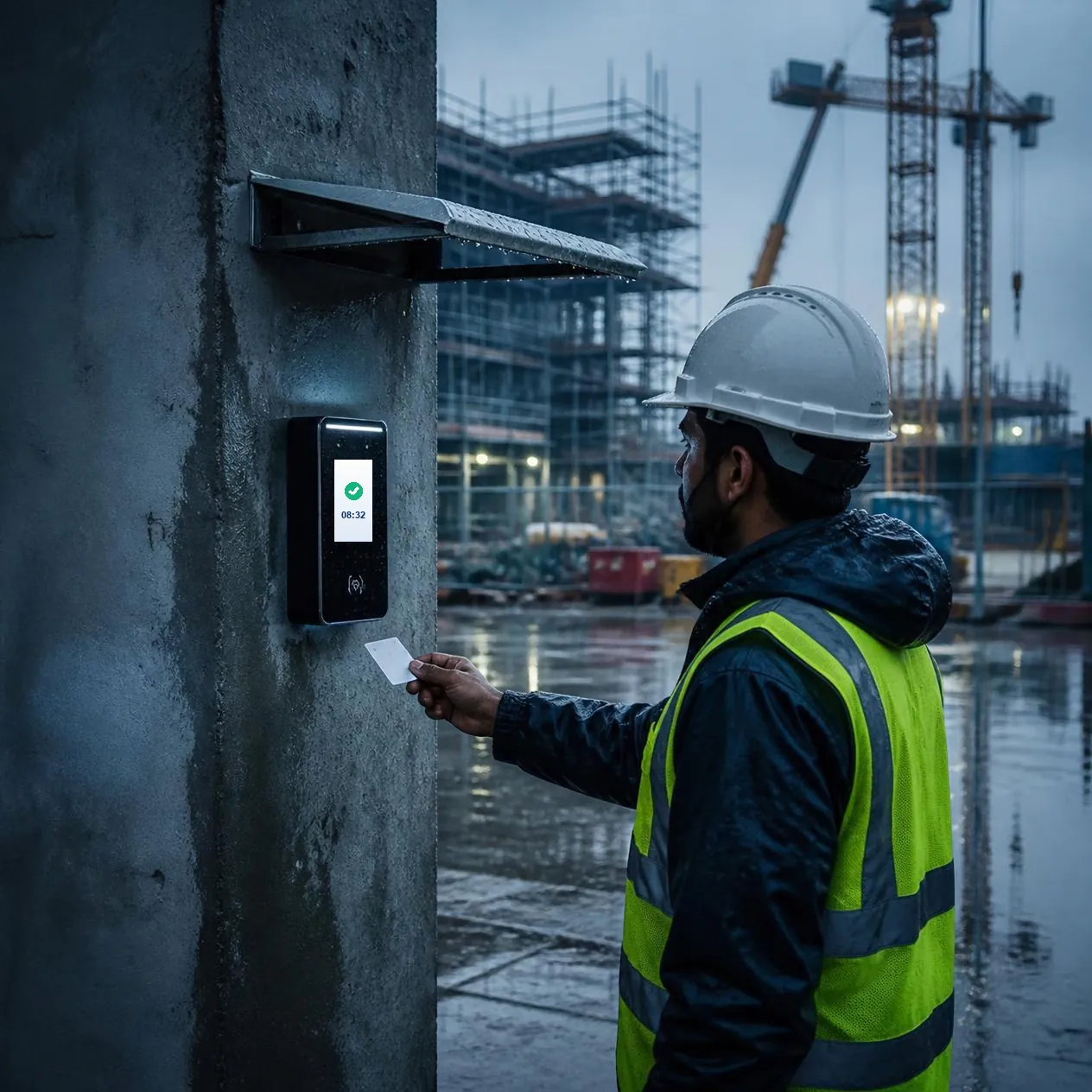
Not for offices. For sites.
- IP65Dust and water resistant
- −30/+65°Operating temperature, °C
- 150,000Event memory
- 3,000Card capacity
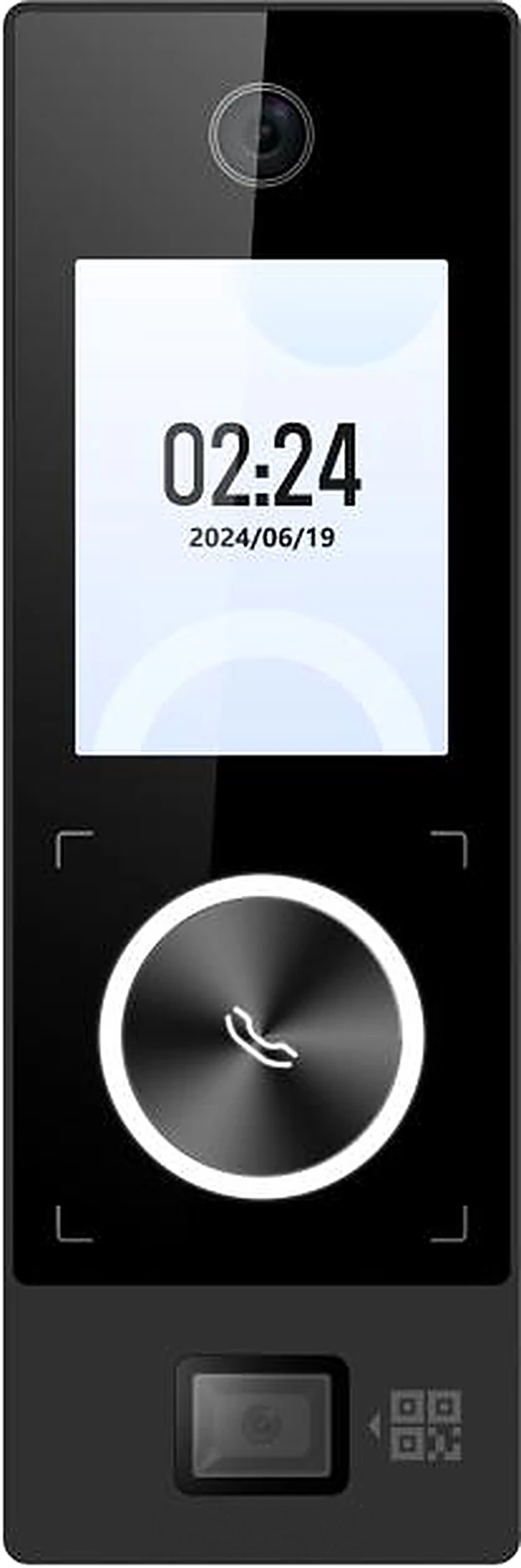
The Hikvision DS-K1T323MBWX-QRE1 access terminal is used on site: spare parts, service and a long service life. It works at a warehouse door, under an eave, at a construction site entrance. Records survive an internet outage.
All technical specifications
| Verification | NFC / Mifare M1 card (13.56 MHz) and QR code |
| Display | 2.4 inch colour TFT; employee name and time |
| Feedback | Audible and visual confirmation |
| Camera | 2 MP wide angle, WDR |
| Card capacity | 3,000 cards |
| Event memory | 150,000 records |
| Network | 10/100 Ethernet, Wi-Fi, Bluetooth |
| Power | PoE (IEEE 802.3at) or 12 VDC |
| Interfaces | Wiegand input, lock output 12 VDC / 1 A, exit button |
| Protection | IP65 |
| Operating temperature / humidity | −30 °C to +65 °C · 0–90% (non-condensing) |
| Mounting | Surface mounted on wall |
Technical figures are manufacturer data. Card options: blank NFC card, printed card with your logo, key fob tag, QR code.
Comparison
A phone app, or a terminal?
Both have their place. For businesses with a fixed entrance, the differences are these:
| Topic | Tracking with a mobile app | easyPDKS terminal |
|---|---|---|
| Where people clock in | The employee's phone, tied to location data | A fixed terminal at the entrance |
| What the employee needs | A smartphone with the app installed | An NFC card, key fob or QR code |
| If the connection drops | Depends on the app's offline support | The terminal stores up to 150,000 records |
| Harsh conditions | As durable as the phone is | IP65, −30 °C to +65 °C |
| Teams spread across a site | Strong: no fixed point needed | For entrances where a terminal is installed |
Who it is for
Any workplace. One system.
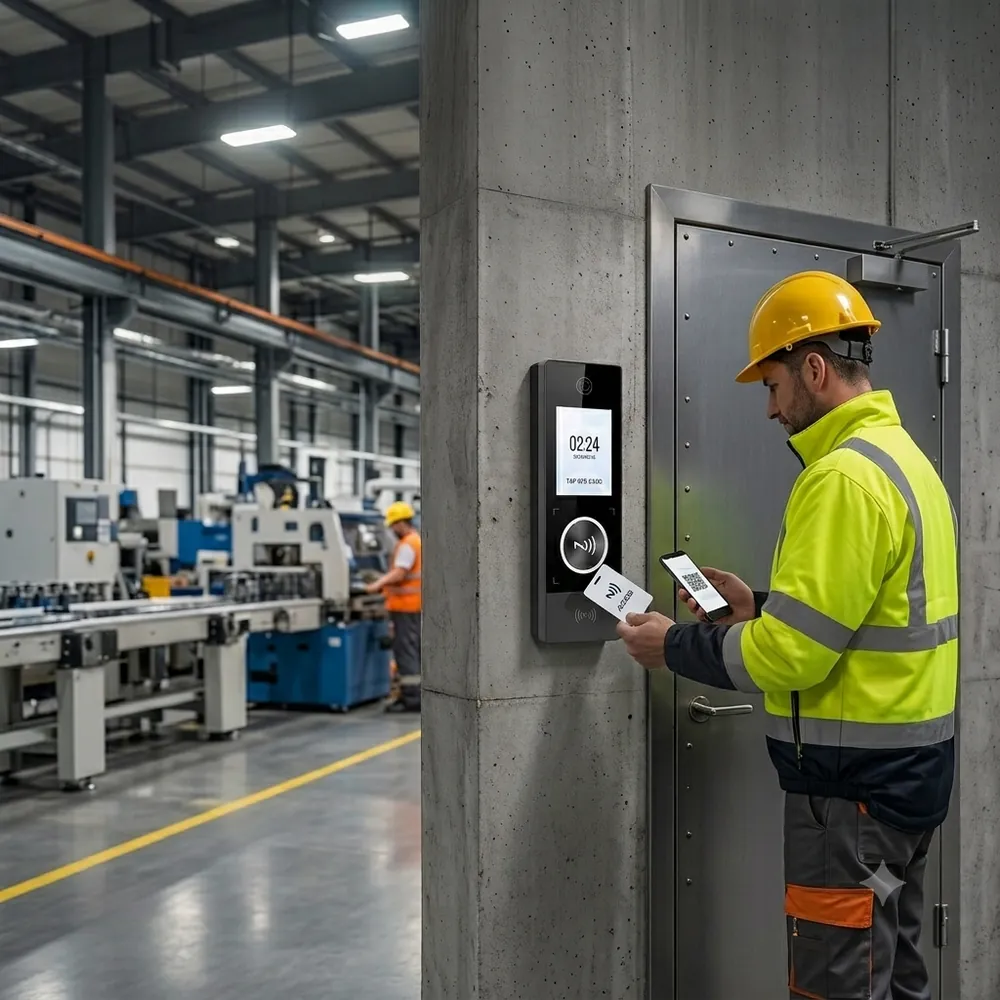
MULTI-SITE OPERATIONS
Head office08:29Plant · Line 208:32Warehouse gate08:41Site08:47Setup abroad
Partner or remote setup.
Outside Turkey, easyPDKS runs through a local partner or as a shipped terminal with remote setup and training. We confirm which applies when we prepare your quote.

Security and data
Your data, your panel.
- Separate panelA separate panel, address and database per company
- Secret keyUnique per terminal; mismatched records are rejected
- No open portThe connection is opened from the inside out
- Role-based rightsDevice permission per person
- Processed dataOnly the card or QR identifier and the time
Setup
Setup in 7 steps.
Through a local partner or remotely — the steps are the same.
WHAT WE NEED FROM YOUPower line, ethernet socket, employee list and shift pattern
NOT NEEDEDStatic IP, port forwarding, VPN or a local server
- Planningentrances, power and network socket
- Mountingwall mount, power and ethernet
- Auto setupdevice found on the network, connects to the cloud
- Assignmentassigned to your company, location named
- Employee importlist entered, cards assigned
- Rulesshifts, patterns, holidays, alerts
- Go livetraining, trial, report check
Frequently asked questions
IT and HR ask first.
If your question is not here, write to us directly — we usually reply within one business hour.
Ask on WhatsAppWhat is a time and attendance system?
A time and attendance system records when employees arrive and leave, and calculates the timesheet from those records. With easyPDKS an access terminal runs on site, while management happens in a cloud panel you open in a browser.
Do I need a server, a static IP or a VPN?
No. The terminal opens the connection outbound itself, so no inbound port is left open on your firewall. A power line and an ethernet socket at the mounting point are enough.
Are records lost if the internet goes down?
No. The terminal holds up to 150,000 clocking records in its own memory. It reports its status every 30 seconds, so if it goes offline you see it in the panel immediately and an alert is sent.
How do employees clock in?
With an NFC card, a key-fob NFC tag or a QR code. All methods are active at the same time. The terminal gives audible and visual confirmation, showing the name and time on screen.
How are night shifts and rotating patterns handled?
For a night shift the day rollover is read from the shift's time range rather than flagged by hand. Rotating arrangements are defined once as a pattern; the monthly plan fills itself and can still be corrected day by day.
How does the timesheet reach payroll?
The monthly matrix exports to Excel (xlsx) in one click, with day, working-day and hour totals already calculated and holiday coefficients applied.
What data is processed?
Only the card or QR identifier and the timestamp. Each company gets its own panel, its own address and a separate database, with role-based user permissions.
Who installs it?
Depending on the market this runs either through a local partner or as a shipped terminal with remote setup and training. We confirm which applies to you when we prepare the quote.
What happens if a card is lost?
The lost card is deactivated from the panel immediately; a new card is defined in the panel and written to the terminal automatically.
How is pricing determined?
A quote is prepared based on your headcount and the number of sites. Leave your details and we will come back to you.

Quote and scoping
Get a quote.
Tell us your headcount and how many sites you run, and we will come back with a quote. Terminal setup, employee import and card assignment are part of it. We usually reply within one business hour.
We have your request
We are preparing your quote and will call the number you left. If you are in a hurry you can reach us on +90 232 332 28 48 directly.
Reference number: